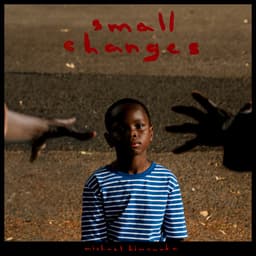


A slow Sunday morning
Warm, unhurried records to ease into the day.
~2hAI-curated
Drop the needle and Analog identifies the record side in real-time. See the tracklist, follow what’s playing, and know exactly when it’s time to flip.
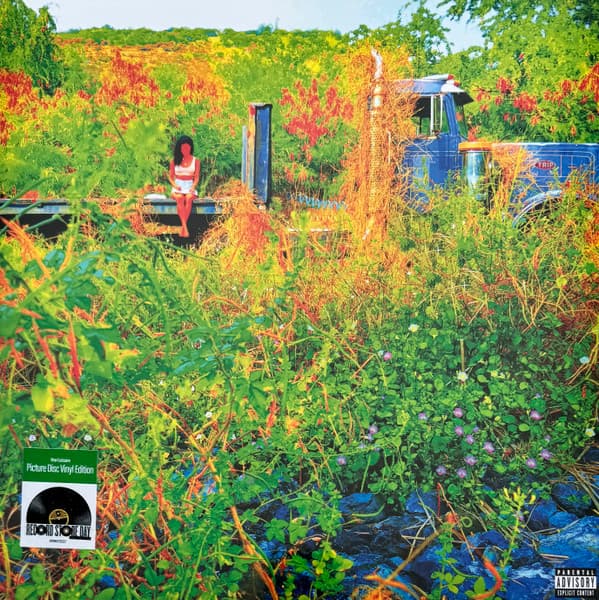
Jhené Aiko
Search collection...
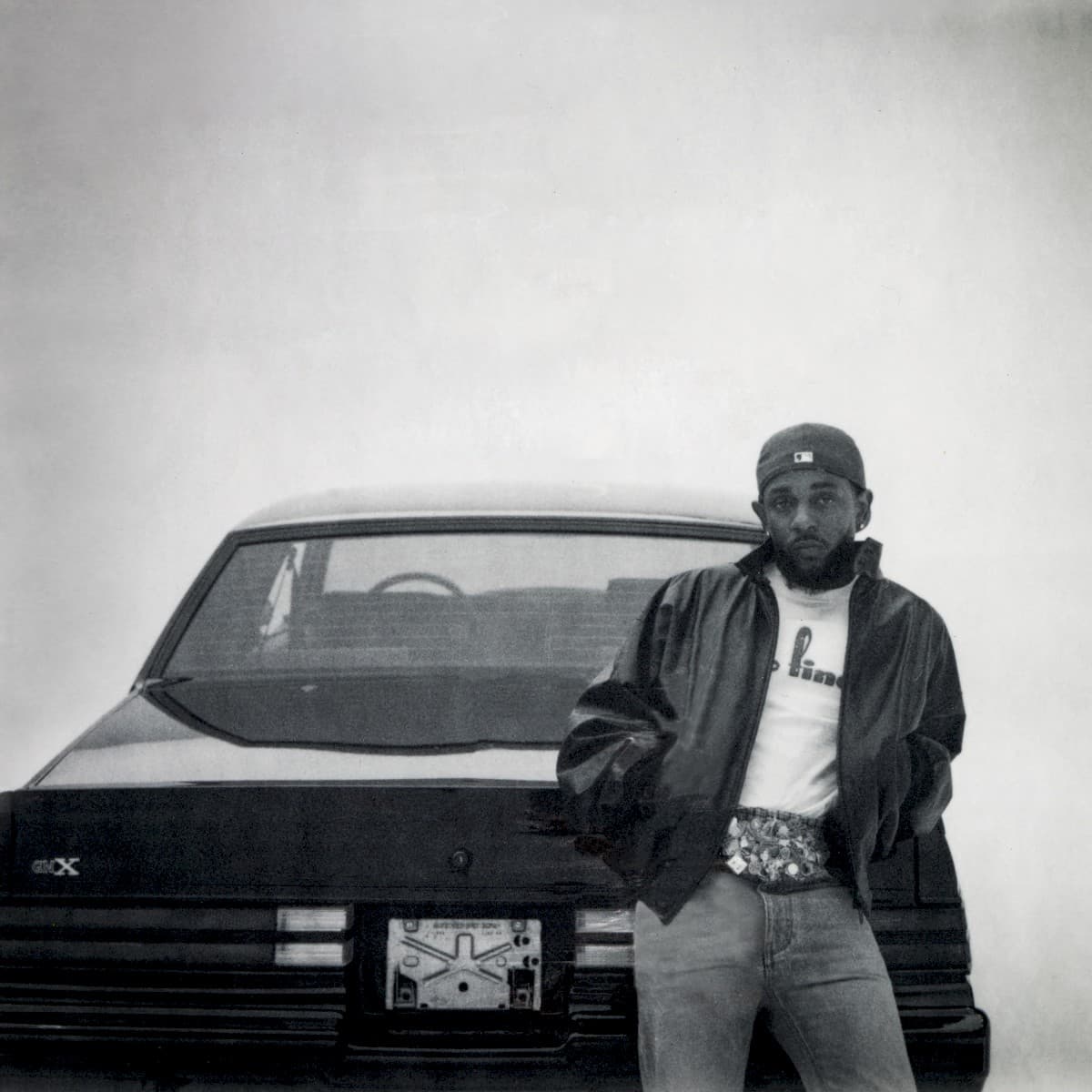

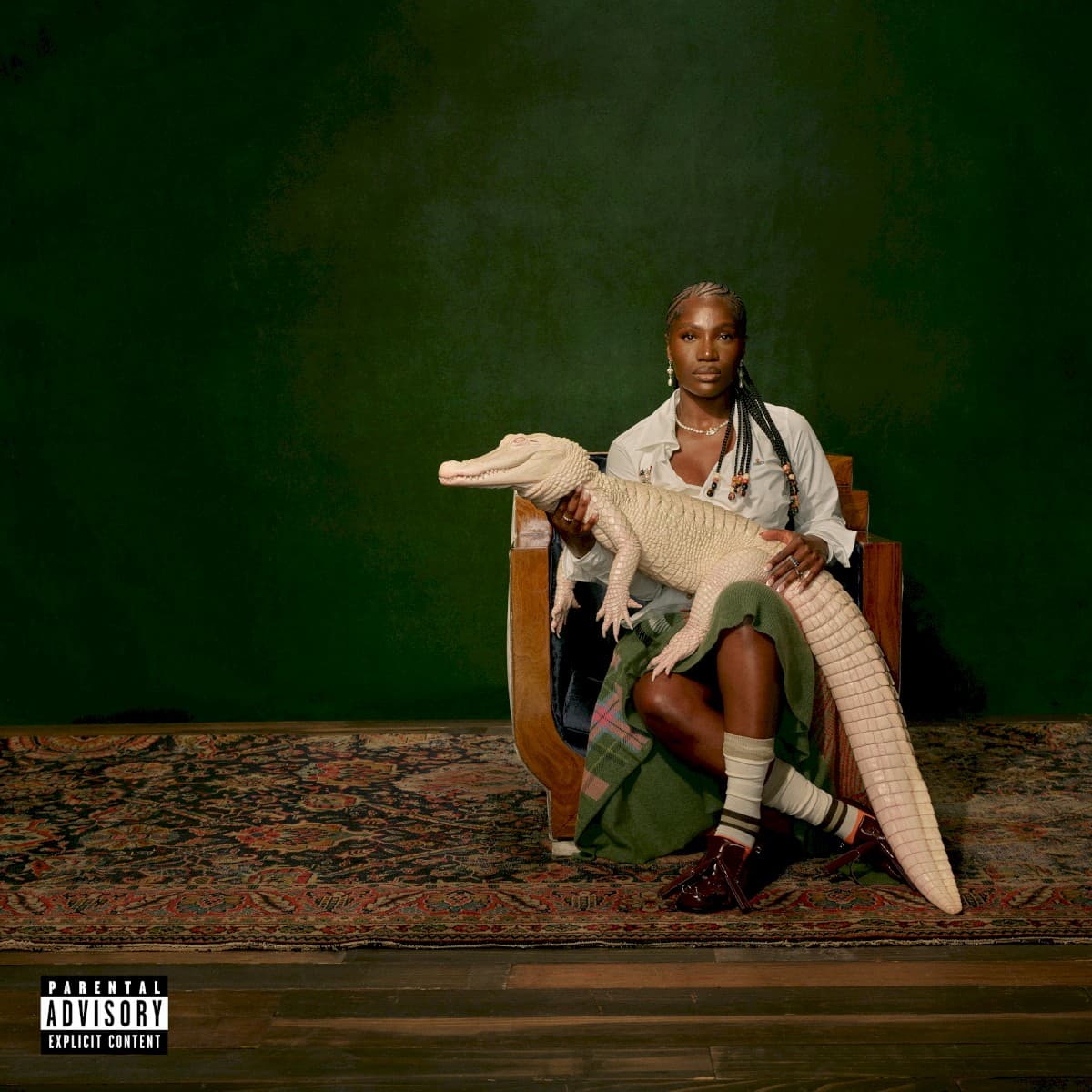
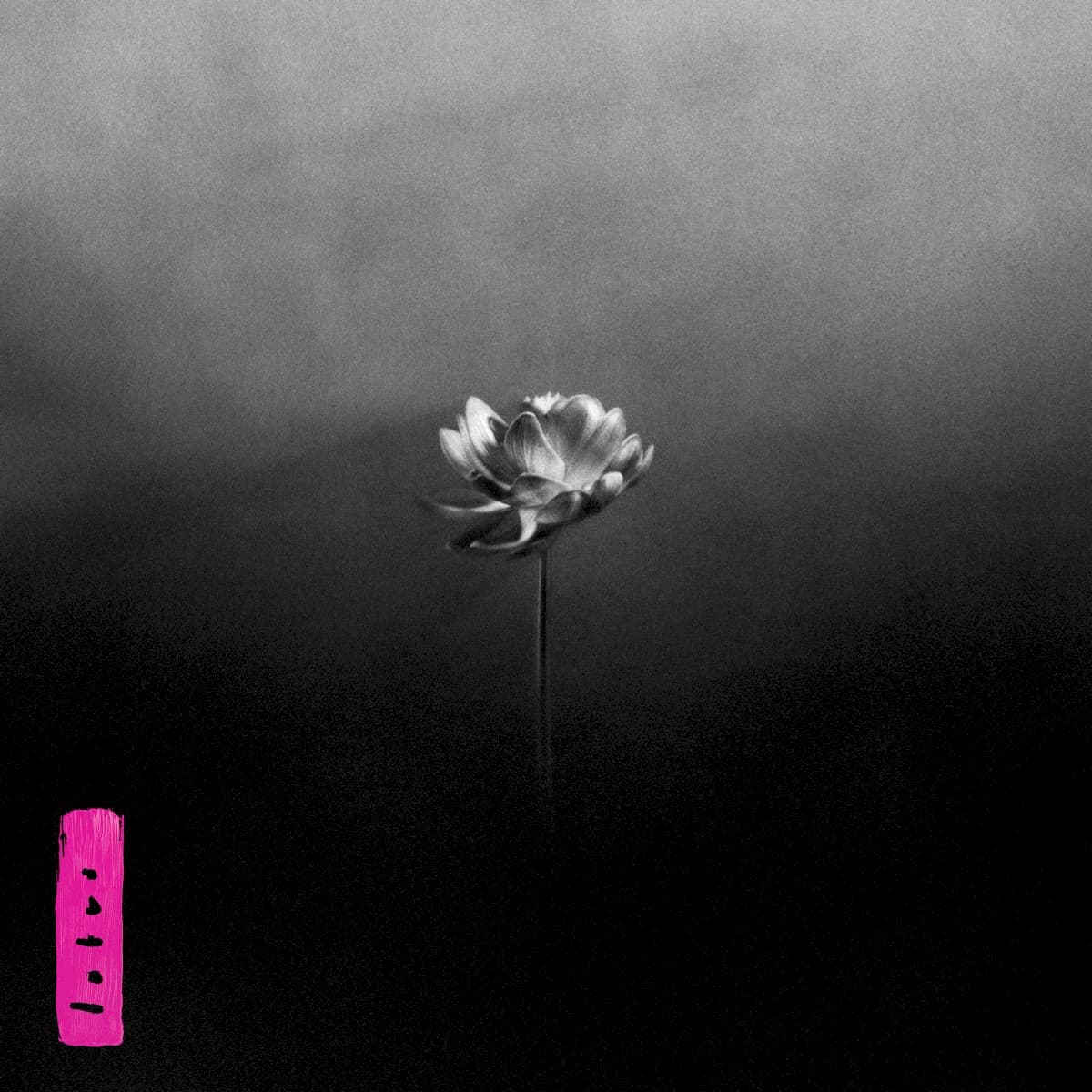

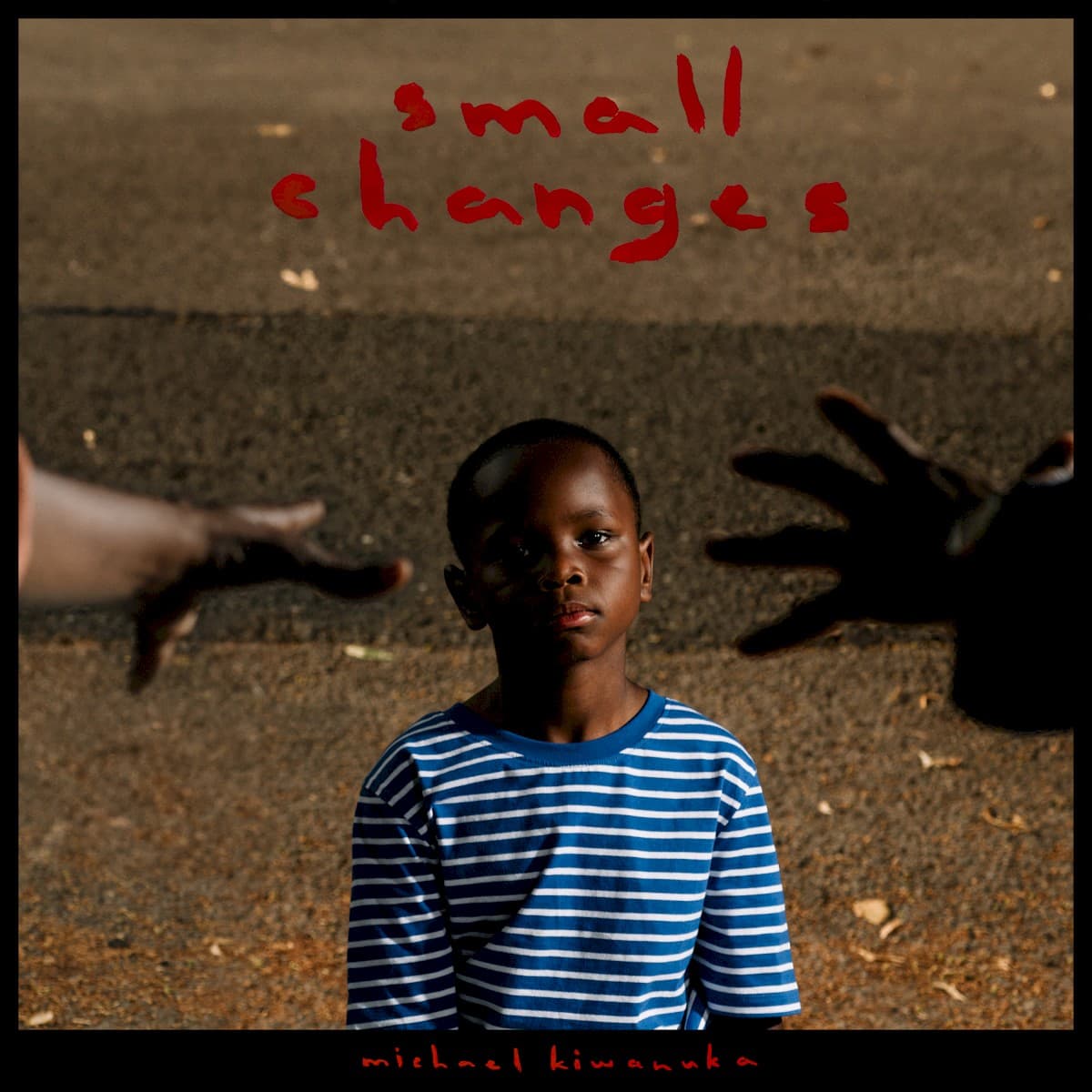


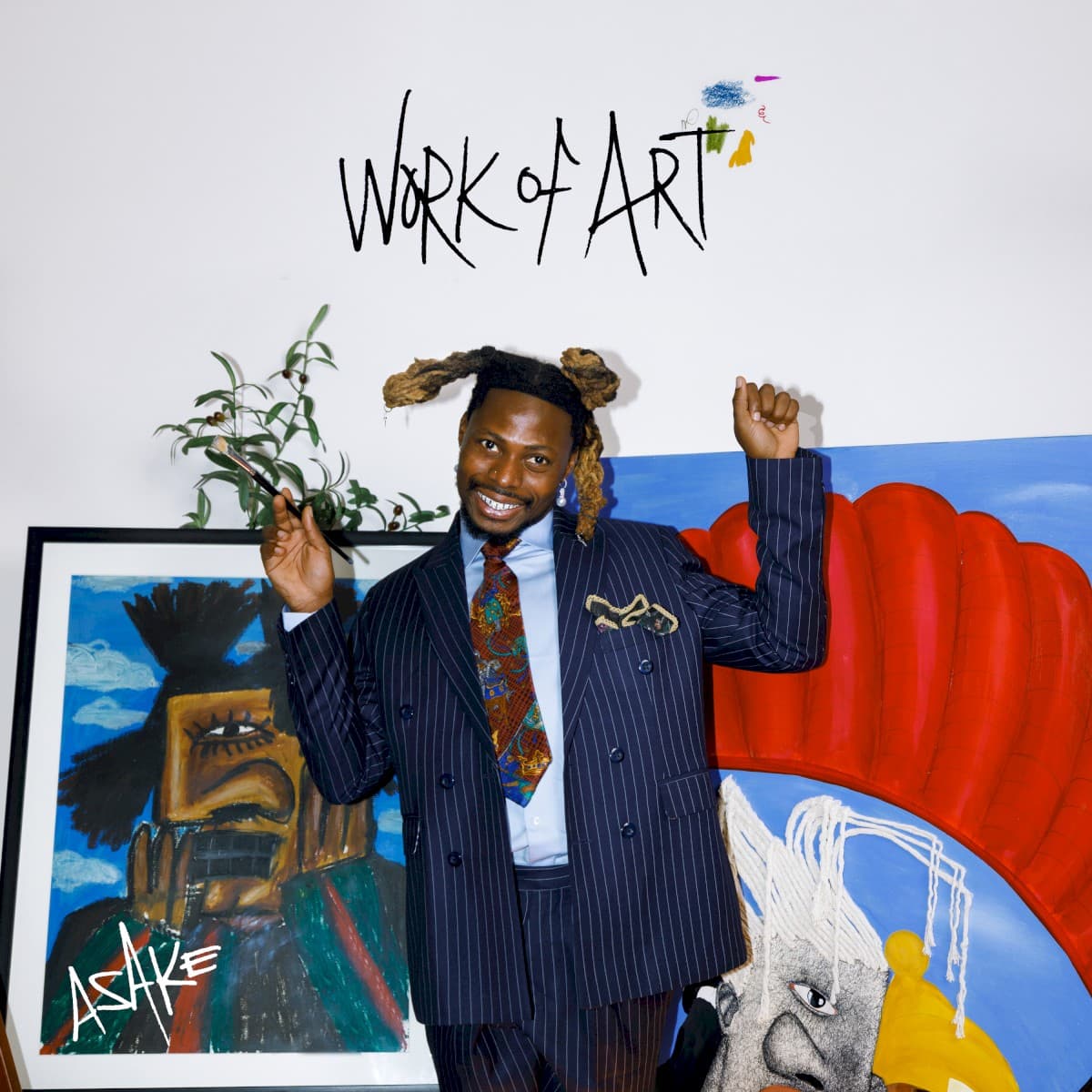
Browse your full Discogs collection from your iPhone. Search your records, sort by recent additions, and favorite the albums you keep coming back to.
With Analog Studio, your collection becomes the starting point for AI-curated vinyl sessions. Choose a mood, describe the moment, or start with records you already want to hear.
Pick an occasion, choose the mood, and lean into the genres already on your shelf. Slow Sunday, dinner party, late-night listen — or just describe the moment in your own words.
Start with the records already on your mind. Analog Studio uses them to understand the mood, then curates the rest of the playlist around them.
Analog Studio takes your mood and favorites, then lines up the albums, sides, and order for your next listening session.
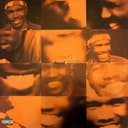
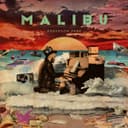


Warm, unhurried records to ease into the day.
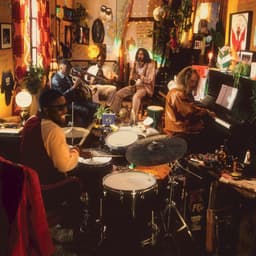
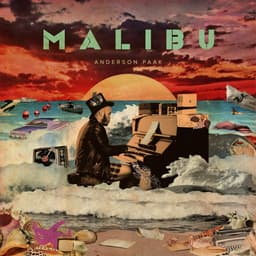
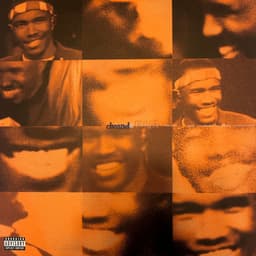
Funk, soul, and conversation-friendly grooves for the table.
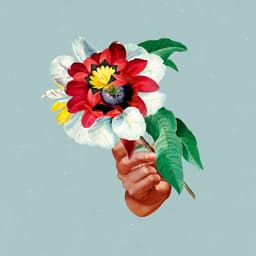
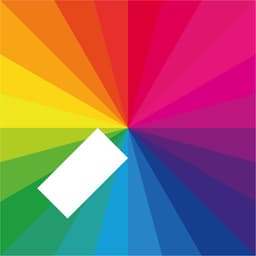
Steady, spacious records for getting into flow.

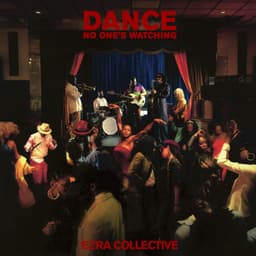

Upbeat, danceable sides for the start of a long evening.
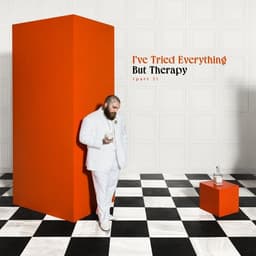


Warm, intimate records for a quiet night in.


Quieter sides for after-hours, when the volume drops.
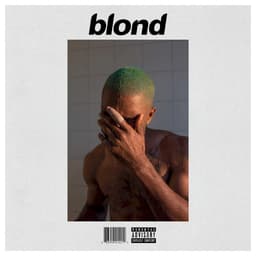

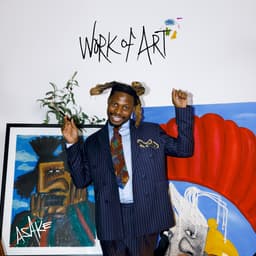
Moody records for staying in and letting the afternoon drift.
Analog Studio turns your collection into a vinyl session builder. Create unlimited AI-curated playlists from your shelf, save your favorites, and come back to them anytime. Start with a 7-day free trial, or go monthly.
7-day free trial · billed yearly
Billed monthly · cancel anytime
When a record is playing, Analog stays visible in your Live Activity and Dynamic Island. See the side, time left, and what’s up next without unlocking your iPhone.
Sign in once and your Discogs collection syncs over. Analog uses the records you’ve already cataloged to identify what’s playing and curate sessions from your shelf.
Drop the needle and Analog starts listening when the music begins. It identifies the record and side, then follows along as it plays.
Optional. Describe the moment or pick a few favorites, and Analog Studio uses AI to build a playlist from records you already own.
Yes. Analog connects to Discogs to import the records in your collection. That’s what lets the app identify what’s playing and build playlists from records you already own.
No. Analog is made for physical records. It helps you enjoy your vinyl collection, but the music still comes from your turntable.
When the music starts, Analog listens through your iPhone’s microphone and matches the audio against your Discogs collection. Once it finds the record and side, it shows the tracklist and follows along as it plays.
No. Analog only uses the microphone while it’s actively listening, and your audio never leaves your iPhone.
Analog is built around your own Discogs collection. It works best when the record you’re playing is already in your collection with accurate Discogs information.
Analog Studio helps you turn your own collection into curated vinyl playlists. Choose a mood, describe the moment, or start with a few favorites, and Studio uses AI to build a session from your shelf.
No. You can use Analog for your collection, Now Playing, and Live Activities for free. Analog Studio unlocks unlimited AI-curated playlists and saved playlists.
Analog Studio is $29.99/year with a 7-day free trial, or $4.99/month. Cancel anytime.
Not yet. Analog is launching on iPhone first, and an iPad version is coming soon.