
The best vinyl record scanner app for most collectors is the free Discogs app: its barcode scanner finds the record in the database every other app relies on, on iPhone and Android, and it costs nothing. For records with no barcode, which means almost everything pressed before 1979, add an app that reads the front cover. VinylBox is the best one on iPhone and Record Scanner the best on Android. Whichever you choose, a scan gets you the album or a short list of releases, and the last step, picking the exact pressing in your hands, is still yours.
Search an app store for "vinyl scanner" and most of what comes back is apps from the last year or so, many sold on weekly subscriptions. This guide covers the established ones, with prices and ratings checked on the US App Store and Google Play in November 2026, and explains what each kind of scan can do, so you know what to expect before you point a camera at a sleeve.
Quick picks
| App | Scans | Price | Runs on |
|---|---|---|---|
| Discogs | Barcode | Free | iPhone, Android |
| VinylBox | Barcode, cover, photos and screenshots | Free plan, Pro from $1.99 a month | iPhone, iPad |
| Record Scanner | Cover, barcode, catalog number | Free plan, Unlimited from $4.99 | iPhone, Android |
| Vinyl Record App | Barcode and cover, both with Premium | Free, Premium $5.99 a month | iPhone, iPad |
| CLZ Music | Barcode | $1.99 a month or $19.99 a year | iPhone, iPad, Android |
| MusicBuddy | Barcode, by camera or Bluetooth scanner | Free up to 50 albums, $9.99 for lifetime | iPhone, iPad, Mac |
If you only want one line of advice: scan the barcode when the record has one, scan the cover when it doesn't, and type the catalog number when neither works.
What a scan can tell you
An app can identify a record from four things, and each gets you a different distance.
| What you scan | What it finds | Where it falls short |
|---|---|---|
| Front cover | The album | Every pressing of an album usually shares the artwork |
| Barcode | The releases printed with that code | Missing before 1979, and often shared by represses |
| Catalog number | The releases a label gave that number | Reissues often keep the original number |
| Runout | The exact pressing | No app reads it from a photo, so you compare by eye |
A photo of the front cover tells the app which album it is. Since every pressing of an album usually carries the same artwork, a cover scan lands on the album and leaves you to pick the version. It is the only scan that works on records with no barcode, and that covers a lot of what turns up in used bins: Discogs' own guidelines say a release with a barcode generally can't have been made before 1979.
A barcode narrows it to the releases printed with that number. That can be one release, but labels often reuse a barcode across represses and countries. Lorde's Melodrama has seven vinyl releases on Discogs, and six of them, from the 2018 originals to a 2022 reissue, carry the same barcode, 602557547108. Only the blue deluxe edition has its own.
The catalog number, printed on the spine and on the record's label, works on records of any age. It is what you type, or scan in the one app that reads it with the camera, when the other two come up empty.
The runout, the code etched in the smooth area around the label, is what separates pressings that share everything else. No app reads it from a photo yet, so this part is yours: tilt the record under a light, copy what you see, and compare it with the releases the scan found. On Melodrama, 193927E1/A JN-H appears on the 2020 European reissue and nowhere else.
For most records that last step doesn't matter much. It matters when you catalog a collection you might sell, insure or value one day, because two releases of the same album can be worth very different amounts. Our guide to telling which pressing of a record you own covers the runout and the other clues in detail.
Which scanner for which job
For new and recent records, any barcode scanner will do, and the Discogs app is free. For older records, you need a cover scan: VinylBox or Record Scanner. In a shop or at a fair, where you want to know what a record is and what it sells for before you buy it, Record Scanner and VinylBox both show a value next to the match. On Android, your choices are Discogs, Record Scanner and CLZ Music. For a large collection of mostly newer records, MusicBuddy with a Bluetooth barcode scanner is the fastest. And if you've inherited a few boxes and don't know what's in them, start with a cover scanner, since most of those records will be older than the barcode.
Discogs
The Discogs app is free on iPhone and Android. It holds around 67,000 ratings averaging 4.8 stars on the App Store and around 21,000 averaging 4.3 on Google Play. Its scanner sits next to the search bar: tap the camera icon, hold the barcode in the square, and the app shows the matching releases. Since the other apps on this list get most of their data from the Discogs database, scanning here means you are looking at the source.
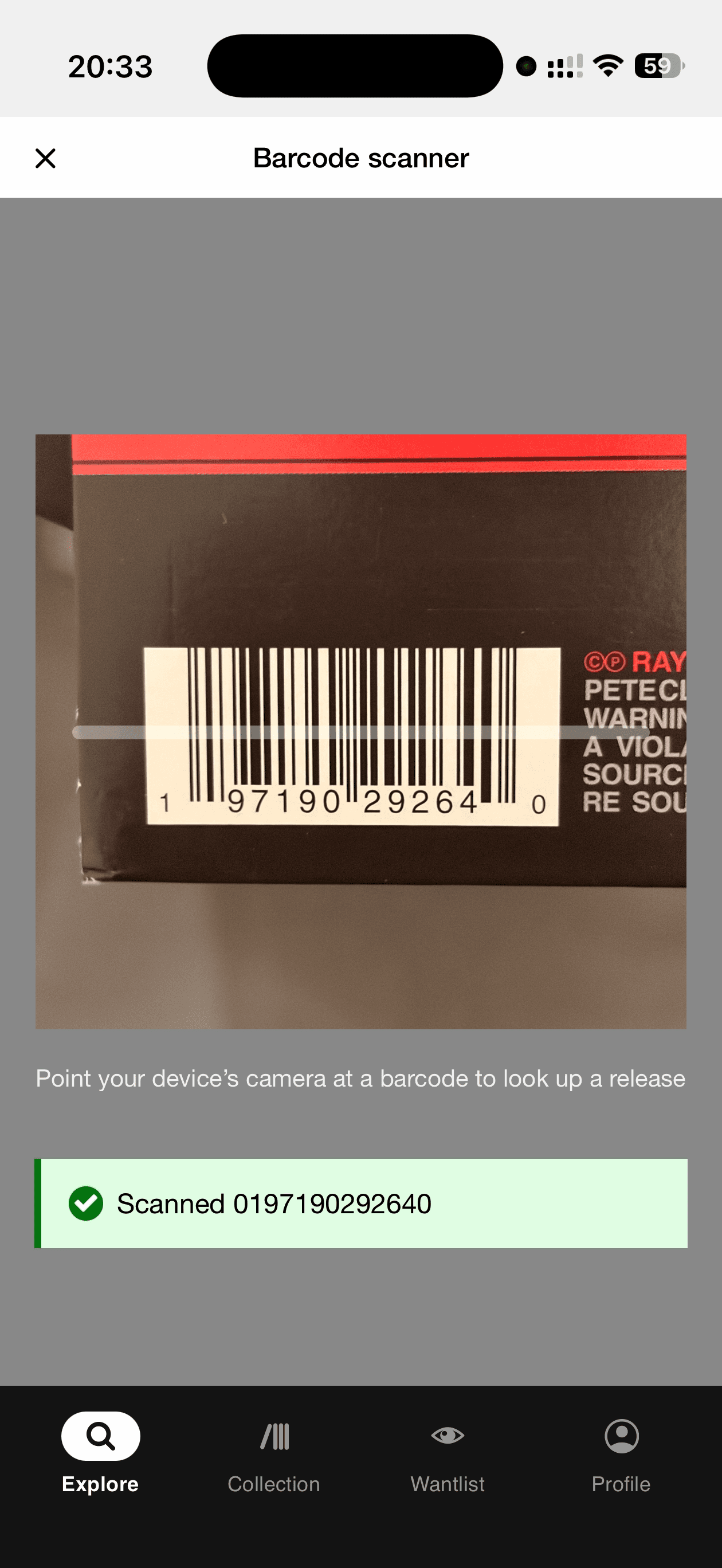
When a barcode matches several releases it shows you the list, which is what you want. It only scans barcodes, so older records go in by search, and Discogs notes that not every release in its database has had its barcode entered yet, so some scans come back empty. Then you search by catalog number, the most precise thing you can type. Each release page shows the lowest, median and highest prices it has sold for, and your collection gets a running total. Our guide to cataloging a collection on Discogs walks through all of it.
VinylBox
VinylBox is the Discogs companion I use myself, and it scans three ways. Hold a sleeve up to the camera and it searches by the cover. Scan the barcode when there is one. And on iPhones with Visual Intelligence, circle an album in a photo or a screenshot, say a record in a friend's picture, and it shows the matching releases. It holds around 2,800 ratings averaging 4.7 stars and runs on iPhone and iPad.
What sets it apart is the step after the scan. The matches appear under "Select your version", where you can filter by format, country, year and label, search for your catalog number, and compare the barcodes and runouts Discogs lists for each release with your copy. The record then goes straight into your Discogs collection or Wantlist.
You can scan and search without an account, and adding a record needs a free Discogs sign-in. VinylBox has a free plan for smaller collections, and Pro starts at $1.99 a month for extras such as collection insights and selling on the Discogs Marketplace. If you want one iPhone app that scans old and new records into Discogs, this is it.
Record Scanner
Record Scanner was built around the cover scan. Take a photo of the front, say whether it's an LP, CD or cassette, and it finds the record. It also scans barcodes, and it is the one app here that reads a catalog number with the camera, so a record in a plain sleeve can be found from the text on its label without typing. It holds around 2,100 ratings averaging 4.8 stars on iPhone and around 7,100 averaging 3.9 on Android, where it has passed 100,000 downloads. Its November update added scanning from a photo already in your library and a flash for dim shops.
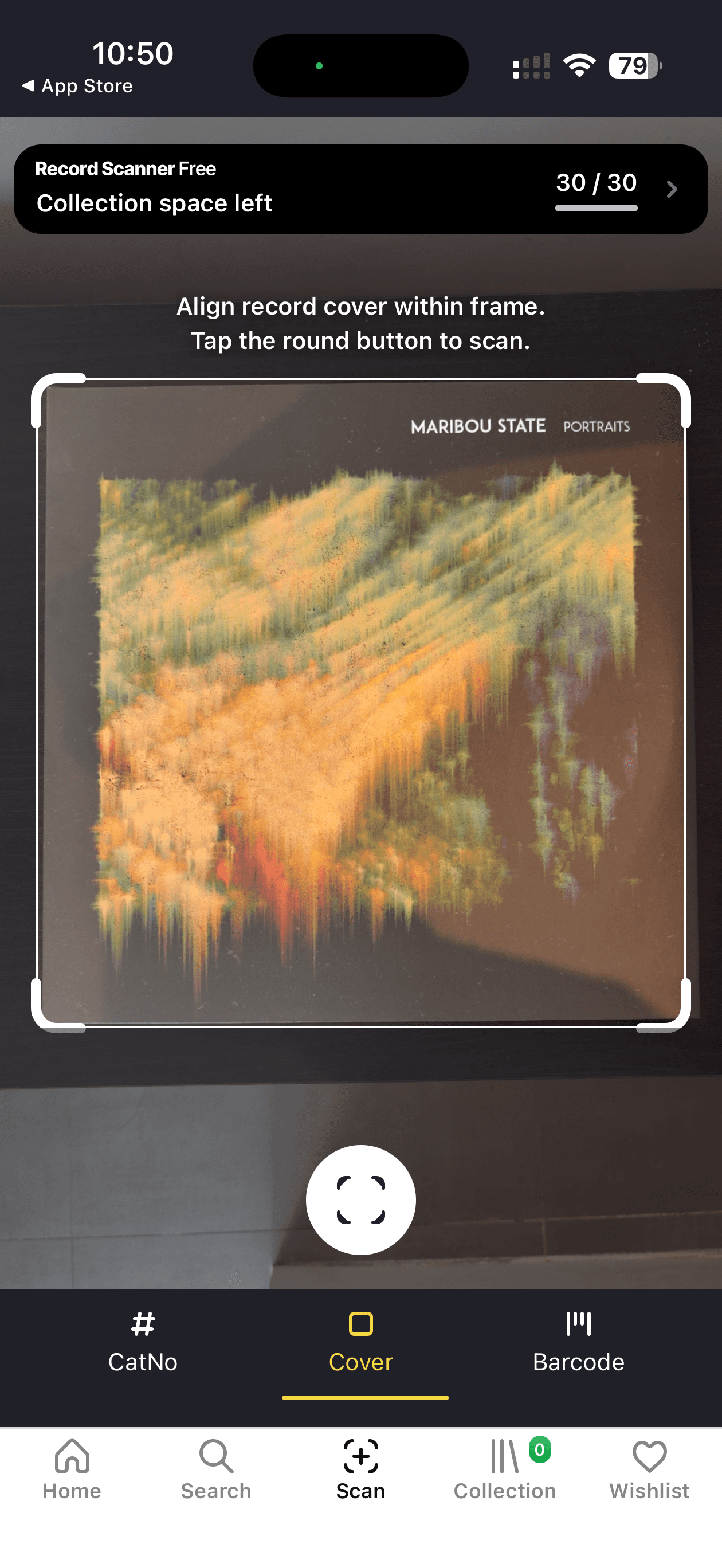
Each result comes with market prices from lowest to highest and shows whether the record is already in your collection, which makes it the app to have open when you're flipping through a crate. If you've already found the exact release on Discogs, you can paste its release ID into the search bar to add that version. The free plan holds a limited collection, and the App Store lists the Unlimited upgrade from $4.99. It is the best cover scanner on Android, and worth having on iPhone if you dig in shops and fairs every week.
Vinyl Record App
Vinyl Record App has been around since 2016, holds around 3,600 ratings averaging 4.8 stars, and added both scanners in version 3.0 on 15 November: a barcode scanner, and an AI cover scanner that identifies a record from its front. The same release brought Discogs sync for your collection and Wantlist, and Cover Flow for browsing the versions of an album until you find yours.
Both scanners are part of Vinyl Premium, which its listing prices at $5.99 a month. The free app keeps track of your records by search. Pick it if you like its look and its feed, where you see what your friends add, and you're happy to pay for scanning.
CLZ Music
CLZ Music scans barcodes and claims a 95% success rate, with album details and track lists from CLZ's own database or from Discogs. It holds around 1,400 ratings averaging 4.8 stars on the App Store, costs $1.99 a month or $19.99 a year after a seven-day trial, and has an Android version at the same price.
It keeps its own catalog in CLZ Cloud, so it suits collectors who want the same list on every device and lots of fields to fill in. It has no cover scan, so older records go in by artist and title, or by catalog number.
MusicBuddy
MusicBuddy scans barcodes with the iPhone camera or with a Bluetooth handheld scanner, which is the fastest way through a large collection of newer records: scan, next sleeve, scan. It holds around 1,100 ratings averaging 4.8 stars, is free up to 50 albums, and a $9.99 lifetime purchase removes the limit.
It catalogs vinyl, CDs and cassettes together, in its own library synced through iCloud or Dropbox. For a mixed shelf and a one-time price, it is a good fit.
Two more with a barcode scanner
Discographic is a Discogs companion for iPhone, iPad and Mac with a barcode scanner, a one-time Pro purchase and a full offline copy of your collection, which helps in a basement shop with no signal. iCollect Music scans barcodes too, and belongs to a family of apps that catalog films, books and games the same way. Both suit collections of newer records, where nearly everything has a barcode.
Free vinyl scanner apps
The Discogs app is the only one here that is free with no limits: scanning, your collection, your Wantlist and the prices all cost nothing. VinylBox lets you scan and search without paying or signing in, and its free plan covers a smaller collection. Record Scanner's free plan scans covers and barcodes into a limited collection. MusicBuddy is free for your first 50 albums. CLZ Music has a seven-day trial and then a subscription, and Vinyl Record App is free to use but keeps its scanners for subscribers.
So a setup that costs nothing is easy: Discogs for everything with a barcode, and VinylBox or Record Scanner's free plan for the older records.
Scanner apps for Android
Three of these apps run on Android. Discogs scans barcodes for free. Record Scanner is the one to add for older records, since it scans covers as well as barcodes. CLZ Music scans barcodes into its own catalog for $1.99 a month. VinylBox, Vinyl Record App and MusicBuddy are for Apple devices.
Apps that scan and tell you the value
Three of these apps show a price next to the record they matched, and all three take it from the Discogs Marketplace. Discogs shows the lowest, median and highest prices a release has sold for. VinylBox shows an estimated value with recent sold prices. Record Scanner shows market prices from lowest to highest. Many of the newer scanner apps sell this as their main feature: photograph the cover or the label, and see what the record might be worth.
Treat any of these numbers as a starting point, for two reasons. The value belongs to the release the scan matched, and as we saw, a scan often can't tell two pressings apart. And every price assumes a condition: a median is what a typical copy sold for, and a worn copy sells for much less. Before you act on a number that surprises you, check that the release is the right one and look at what copies in your record's condition sold for. Our guide to what your vinyl records are worth explains how.
How to get a clean scan
A barcode scans best flat and evenly lit. If the record is in shrink-wrap or an outer sleeve, tilt it until the glare is off the code, or slide the jacket out of the sleeve. Shops often put their price sticker over the barcode, and some records carry theirs on a sticker on the shrink-wrap, so look there before deciding a record has none.
For a cover scan, fill the frame with the whole front of the sleeve, square on, with no glare across it. Heavy ring wear, a torn sleeve or a plain company sleeve can all defeat it, and then the catalog number is the way in.
When the scan finds nothing
A scan can fail because the barcode was never entered on Discogs, because the sleeve is too worn to match, or because the release isn't in the database at all. In each case, search for the catalog number from the spine or the label, which usually returns a handful of releases. If that fails too, search the artist and title, open the album's list of versions, and filter by format, country and year until the list is short enough to check against your copy.
Scanning a whole collection
If you're cataloging a few hundred records, work a shelf at a time, in the order the records stand. Scan everything with a barcode first, since that's quick, and set aside what doesn't scan. Then do the older records by cover scan or catalog number. For the records you care about most, the first pressings and the ones you'd insure, check the runout against the release before you save it. A shelf a night is a comfortable pace.
Once it's done, scan each new record before it goes on the shelf, so the catalog never falls behind. If you're choosing an app for more than scanning, our best vinyl collection apps roundup compares these on everything else.
Common questions
Can an app identify a vinyl record without a barcode?
Yes. VinylBox, Record Scanner and Vinyl Record App identify a record from a photo of its front cover, and Record Scanner can also read the catalog number on the label. A cover scan finds the album, and you then pick your version from the matches.
Can a scan tell me exactly which pressing I have?
Sometimes. If the barcode belongs to a single release, the scan is the answer. Often it returns several releases, and the catalog number and the runout etched near the label tell them apart. VinylBox shows the runouts Discogs lists for each match, so you can compare them with your copy.
What is the best free app to scan vinyl records?
The Discogs app. Its barcode scanner, collection and price data are free on iPhone and Android. For records without a barcode, VinylBox and Record Scanner both scan covers on their free plans.
Do these apps scan CDs and cassettes too?
Yes. Discogs, VinylBox, Record Scanner, CLZ Music and MusicBuddy all handle CDs, and most handle cassettes. Nearly every CD has a barcode, so the barcode scanner is the quickest way in.
Do I need a Discogs account?
For the Discogs app, VinylBox and Discographic, yes, to save records, and the account is free. VinylBox lets you scan and search before you sign in. CLZ Music and MusicBuddy keep their own catalogs and need no Discogs account.
After the scan
A catalog tells you what you own. If you'd also like to know what's playing and what to put on next, there's Analog, the app I built. It works from your Discogs collection: it listens to the turntable, finds the record and side you put on, and suggests the next one from your own shelf. Every record you scan into Discogs is one it can recognize.